
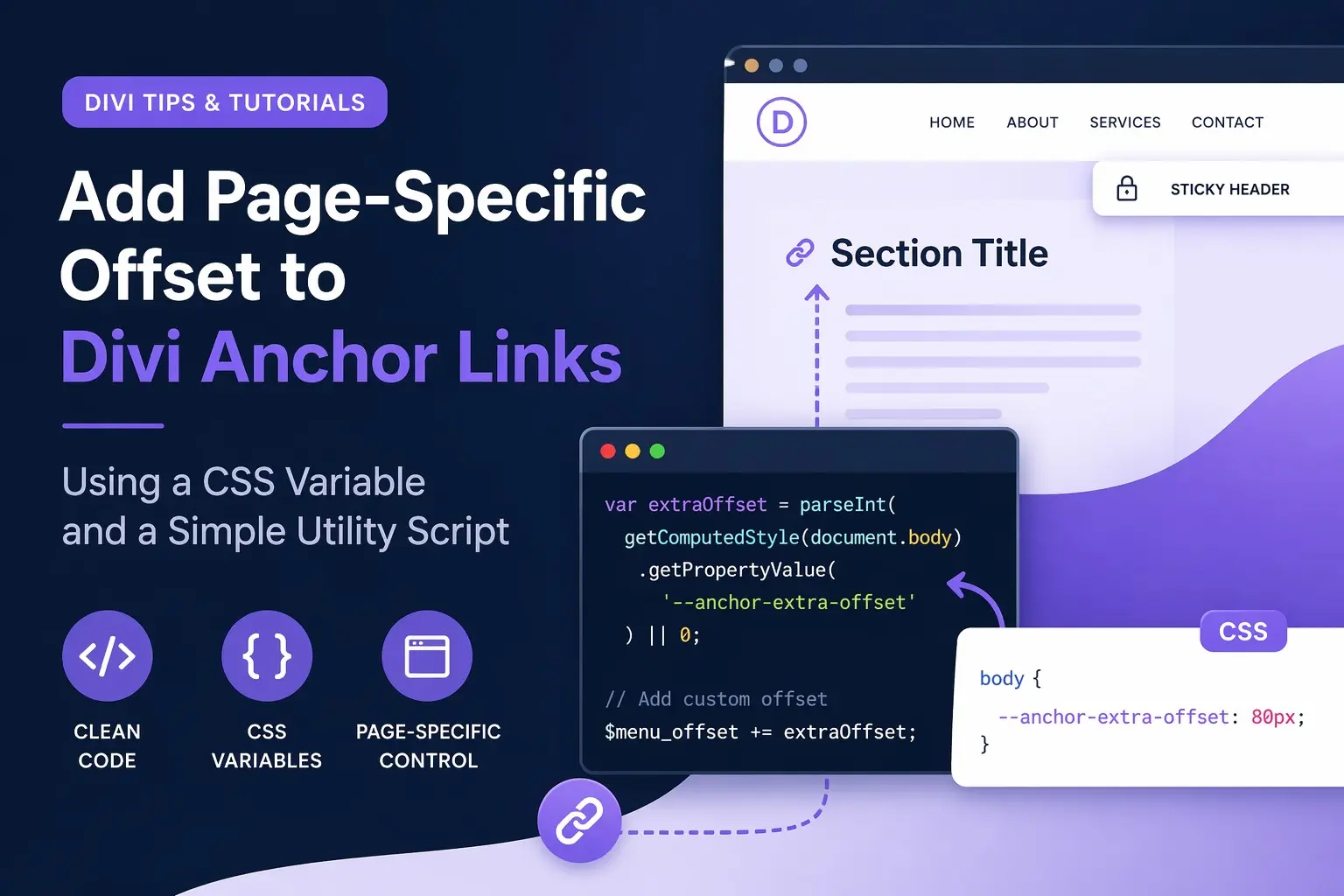
Anchor links are great - until a sticky header lands on top of your section title
If you’re using Divi’s Smooth Scroll behavior - a switch in divi options - and a fixed or shrinking header, you’ve probably seen this problem: clicking an anchor link scrolls to the right section… but the heading is partially hidden behind the menu.
A common fix is adding a global offset to your smooth scroll script. But what happens when only one page needs extra spacing? That’s where a small utility enhancement can help.
The Problem
This Divi smooth scroll script accounts for:
- The WordPress admin bar
- A sticky header
- Standard anchor link offsets
But sometimes a specific page has a unique layout:
- A larger hero section
- An extra announcement bar
- A custom page header
- A sticky element only used on one template
In those cases, a global offset affects every page - which is not ideal.
The Solution: Use a CSS Variable as a Page-Specific Offset
Instead of hardcoding exceptions into JavaScript, we can let CSS define a custom offset only where needed.
The JavaScript checks for a CSS custom property:
var extraOffset = parseInt(
  getComputedStyle(document.body)
    .getPropertyValue('--anchor-extra-offset')
) || 0;
If the variable exists, it adds the extra offset. If it doesn’t, it defaults to zero.
Clean, flexible, and scalable.
At the bottom of the page you will find the updated utility script.
Add Extra Offset Only Where Needed.
Op de pagina die extra ruimte nodig heeft:
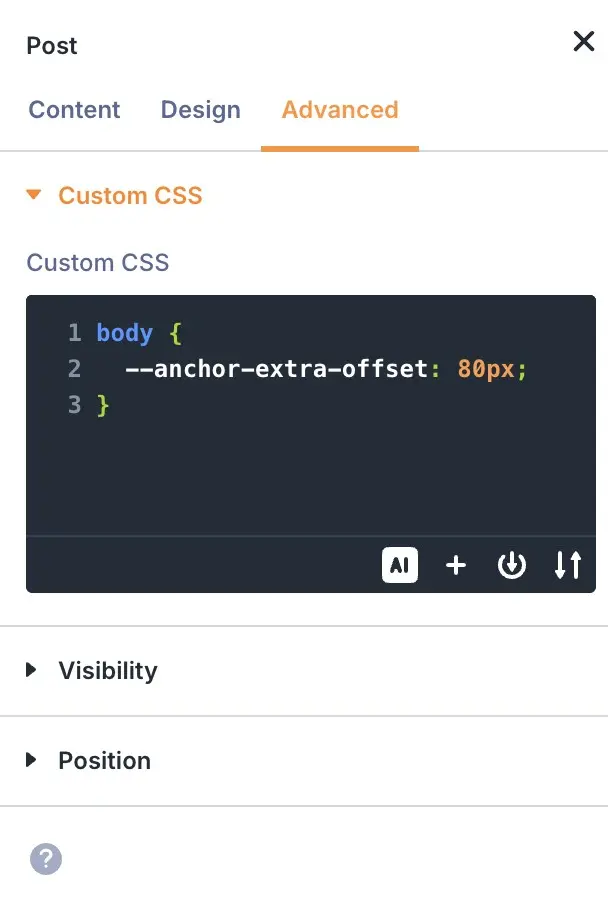
The simplest way to add that to the page is therefore via the Page > Advance > Custom CSS.
That’s it.
Why This Approach Is Better
1. No Page Logic in JavaScript
No messy conditionals like:
if ($('body').hasClass('page-id-123')) {
   extraOffset = 80;
}
The script stays universal.
2. CSS Controls Layout
Offset spacing is a layout concern.
CSS is the right place for it.
3. Easy Per-Page Customization
Different pages can have different offsets:
body {
  --anchor-extra-offset: 80px;
}

body {
  --anchor-extra-offset: 140px;
}
No JavaScript changes required.
4. Safe Fallback
No CSS variable?
This line handles it:
|| 0
The script simply uses no extra offset.
Bonus: Responsive Offsets
Because the offset lives in CSS, you can even change it by screensize:
body {
  --anchor-extra-offset: 80px;
}

@media (max-width: 980px) {
  body {
    --anchor-extra-offset: 120px;
  }
}
Now your anchor offsets can adapt to mobile headers too.
Final Thoughts
This is one of those tiny utility upgrades that makes a custom anchor-link script much more flexible.
Instead of modifying JavaScript every time a page needs special handling, you can now control offsets directly in CSS - per page, per breakpoint, or even per template.
Simple solution. Clean architecture. No script duplication.
And sometimes that’s the best kind of fix.
JQuery
 /*===================================================
                Offset Anchor Links
                    by MelisGS
=====================================================*/
jQuery(function($) {
  window.et_pb_smooth_scroll = function( $target, $top_section, speed, easing ) {

    var $window_width = $(window).width();
    $menu_offset = -1;

    // Read page-specific CSS variable (defaults to 0 if not set)
    var extraOffset = parseInt(
      getComputedStyle(document.body)
        .getPropertyValue('--anchor-extra-offset')
    ) || 0;

    if ( $('#wpadminbar').length && $window_width >= 600 ) {
      $menu_offset += $('#wpadminbar').outerHeight();
    }

    if ( $('#stickyHeader').length ) {
      $menu_offset += $('#stickyHeader').outerHeight();
    }

    // Add custom page-specific offset
    $menu_offset += extraOffset;

    // Fix sidenav scroll to top
    if ( $top_section ) {
      $scroll_position = 0;
    } else {
      $scroll_position = $target.offset().top - $menu_offset;
    }

    // Set swing as default easing
    if ( typeof easing === 'undefined' ) {
      easing = 'swing';
    }

    $('html, body').animate(
      { scrollTop: $scroll_position },
      speed,
      easing
    );

  }
});



0 Reacties